Choosing an AliExpress Image Downloader Extension: 7 Things to Check Before You Install
Also available in: Português · Español · Français
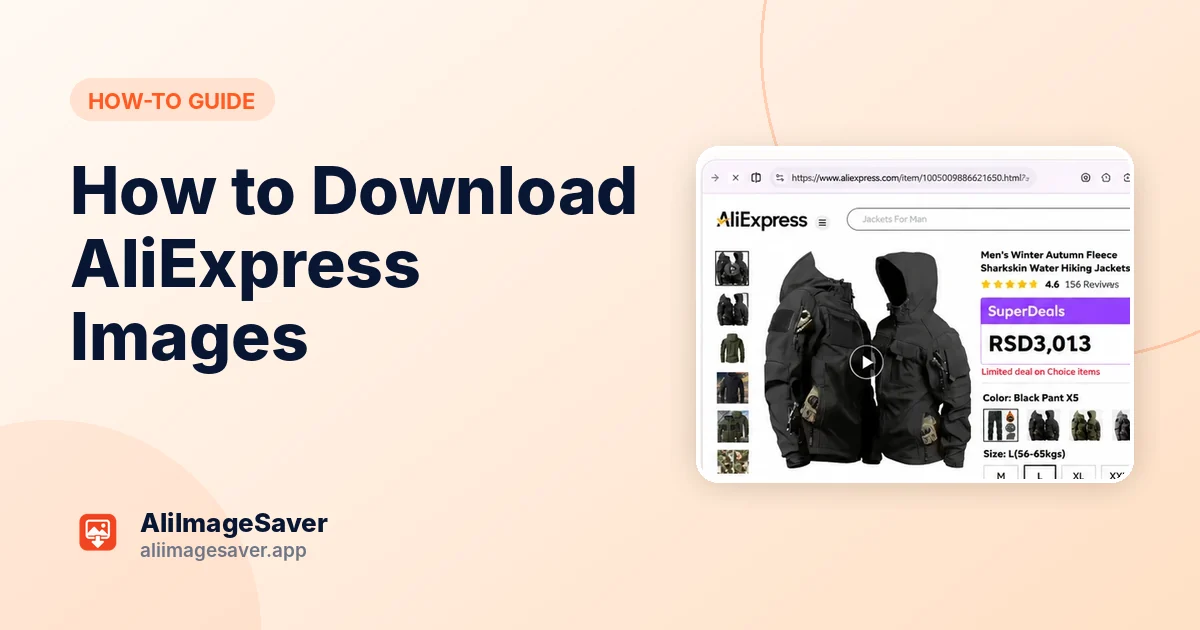
Search the Chrome Web Store for "AliExpress image downloader" and you'll find dozens of extensions that promise the same thing. Some are great; others save blurry previews, ask for access to every website you visit or haven't been updated in years. Here's what to check before you click Add to Chrome.
What an AliExpress image downloader extension does
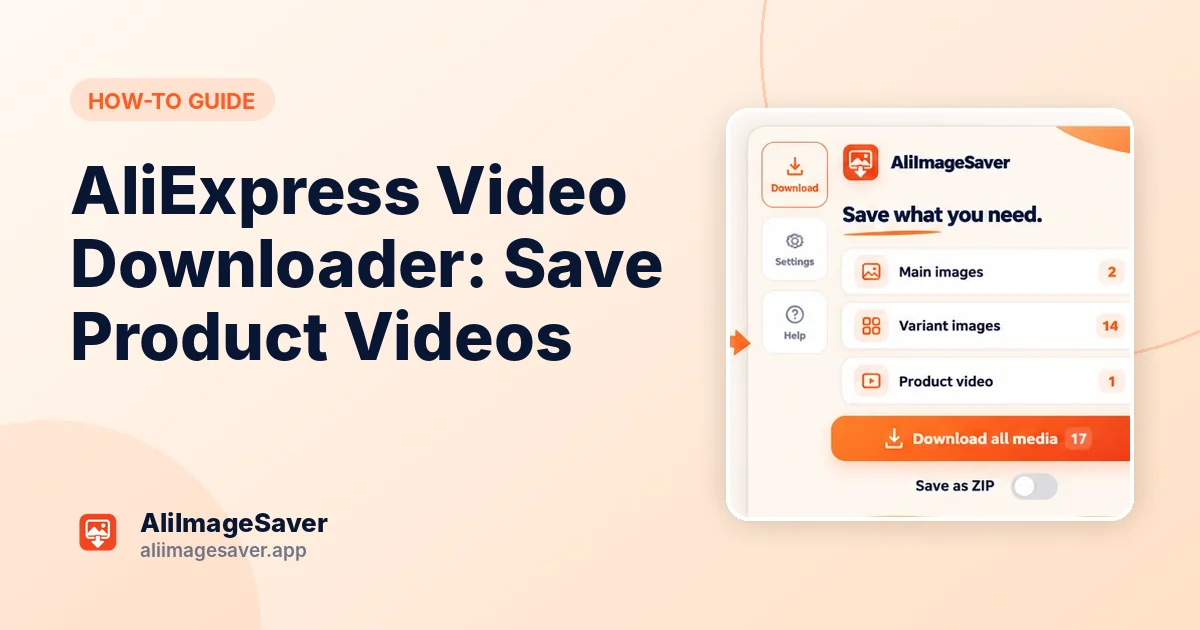
A downloader extension reads the AliExpress product page you're looking at, finds the media files (gallery photos, variant pictures, description images and video) and saves them to your computer in bulk. Instead of right-clicking forty images, you click once.
7 things to check
1. It finds every type of media
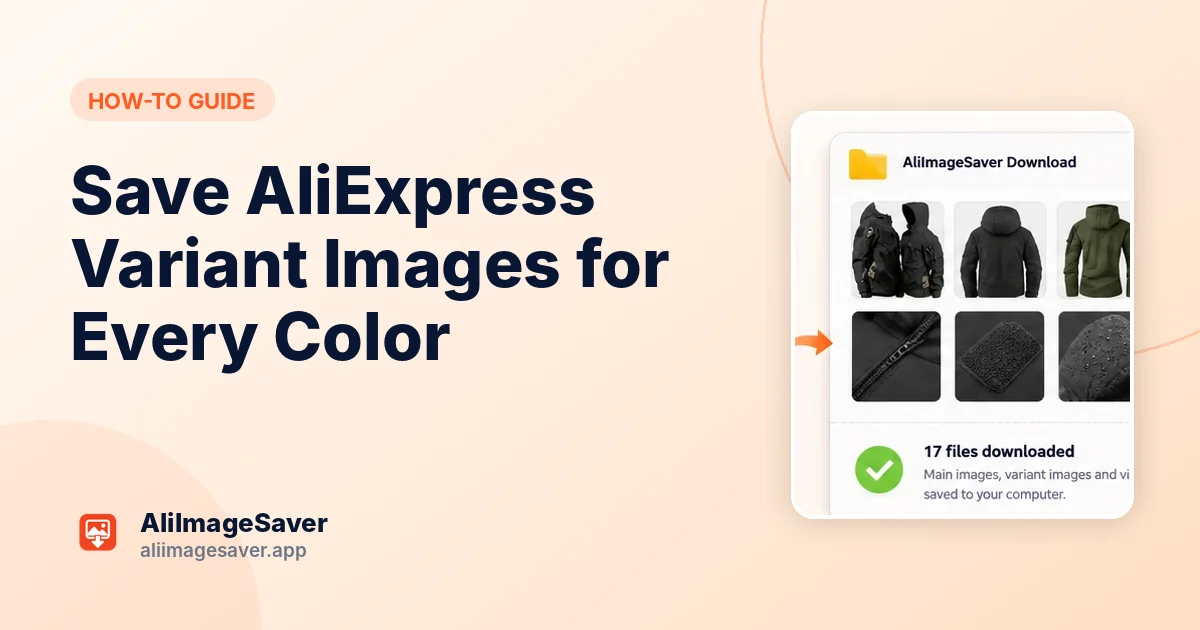
Main images are the easy part. A good downloader also collects variant images, description images and the product video when there is one. If a tool only grabs the gallery, you'll still be saving the rest by hand.
2. You can choose what to download
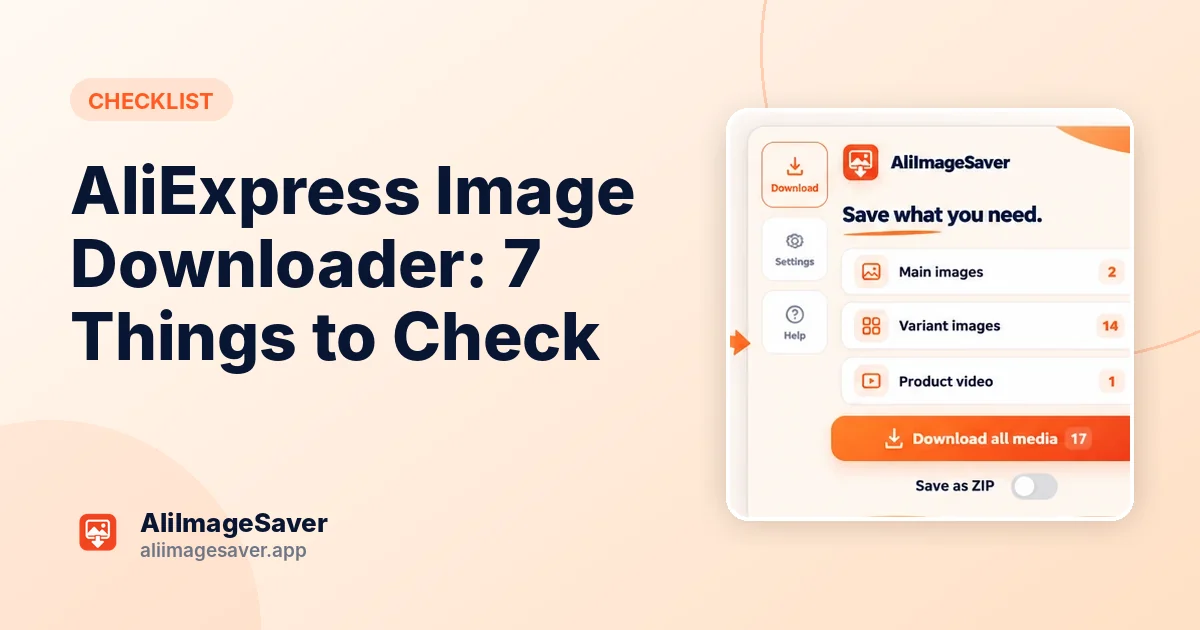
Sometimes you want everything; sometimes just the variants. Look for an extension that shows what it found, ideally with counts, and lets you download one group or all of them.
3. Bulk download and ZIP export
Saving 30+ files one at a time clutters your Downloads folder. A ZIP option keeps each product in one archive that's easy to store, send to a designer or upload later.
4. Image quality
AliExpress often shows resized previews on the page. After your first download, open a few files and check their dimensions. If everything is tiny, the tool is saving previews instead of the product's full-size images.
5. Minimal permissions
When you install an extension, Chrome lists the sites it can "read and change". A tool that only works on AliExpress shouldn't need access to all websites. Prefer extensions limited to AliExpress and its image servers, plus the downloads permission they need to save files.
6. A clear privacy policy
Every Chrome Web Store listing has a Privacy practices section, and good developers link a privacy policy. Check what the extension collects and whether it sends your browsing data anywhere. A downloader has no reason to track the pages you visit.
7. It's actively maintained
AliExpress changes its pages regularly, and an extension that isn't updated will eventually stop finding images. Check the Updated date and recent reviews on the store listing.
How AliImageSaver checks the boxes
AliImageSaver is a free AliExpress image downloader and video downloader for Chrome. Here's how it does on the checklist:
- Finds main images, variant images, description images and the product video when a downloadable file is available.
- Shows what it found and lets you download one group or all media at once.
- Optional ZIP download, plus a folder per product if you want one.
- Site access limited to AliExpress and Alibaba pages, with only the storage and downloads permissions it needs.
- No account needed, and free to install.
- Doesn't send your browsing or download data to our servers. See our privacy policy.
New to it? Start with our guide on how to download AliExpress images.
Frequently asked questions
Are AliExpress downloader extensions safe?
Most are, but check the permissions Chrome shows before installing, read the privacy practices on the store listing, and prefer tools with recent updates and real reviews.
Do I need an account to use AliImageSaver?
No. Install it, open an AliExpress product page and click the icon.
Does it work in Edge, Brave or Opera?
AliImageSaver is built for Google Chrome. Many Chromium-based browsers can install extensions from the Chrome Web Store, but Chrome is the browser we support.