AliExpress Video Downloader: How to Download Product Videos for Free
Also available in: Português · Español · Français
Product videos sell. A ten-second clip of a jacket being zipped up or a gadget in action answers more questions than any spec list, which is why sellers, dropshippers and marketers so often want to save the videos from AliExpress listings.
There's no download button for them, though. Here's where AliExpress product videos live and two ways to download them: by hand with Chrome DevTools, or with a free AliExpress video downloader.
Where to find the video on an AliExpress listing
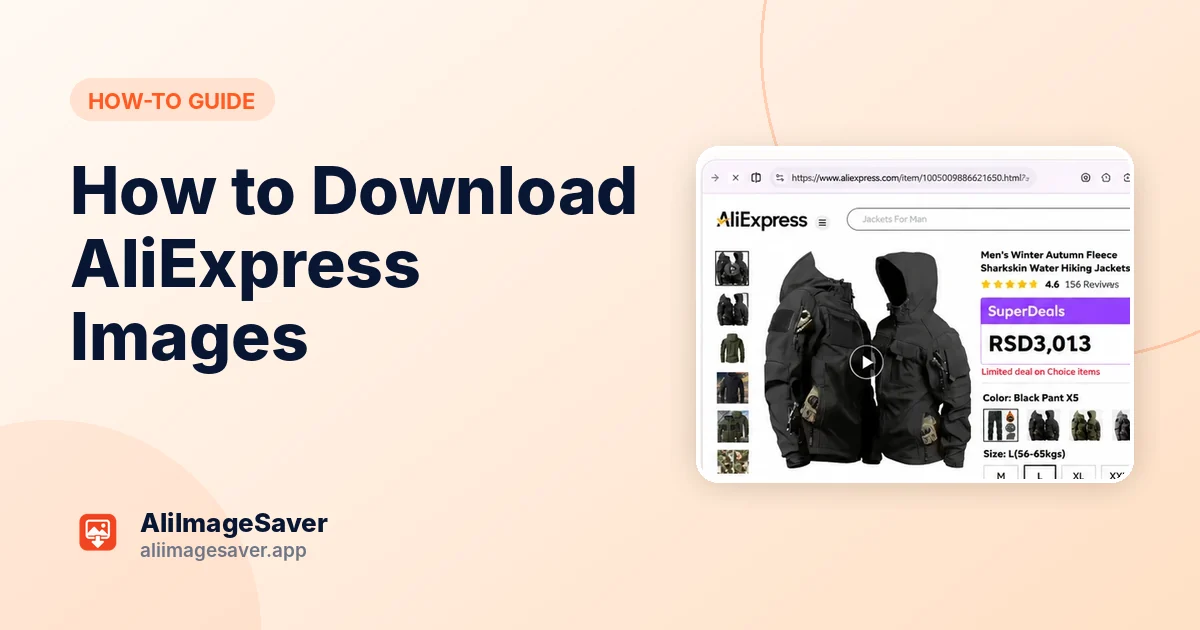
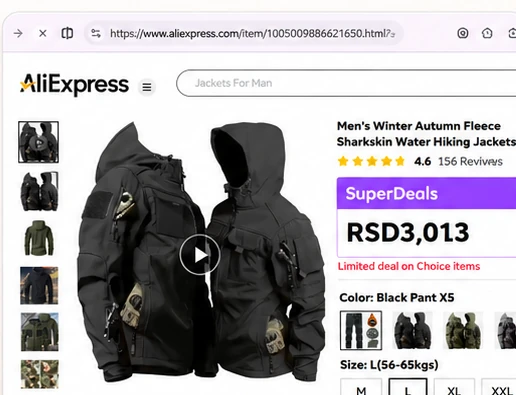
When a product has a video, it's usually the first item in the image gallery, marked with a play icon. Some sellers also embed video in the description. Not every product has one: many listings are photos only.
Why "Save video as" usually doesn't work
On many websites you can right-click a video and choose Save video as…. On AliExpress the video plays inside a custom player, so the right-click menu either doesn't appear or has no save option. The actual video file loads in the background, which is why you need one of the methods below.
Method 1: Find the video file with Chrome DevTools
This method needs no extra software, but it takes a few minutes and a little patience:
- Open the product page in Chrome.
- Press F12 (or Ctrl+Shift+I; on a Mac Cmd+Option+I) to open Developer Tools, then go to the Network tab.
- Click the Media filter so only audio and video requests are shown.
- Play the product video on the page. A new request should appear in the list; on many listings it's an
.mp4file. - Right-click that request and choose Open in new tab. When the video plays on its own, right-click it and pick Save video as….
If several requests appear, look for the largest one; small requests are often previews or pieces of a stream. Some videos are delivered in segments, and then this method won't give you a single file.
Method 2: Use a free AliExpress video downloader extension
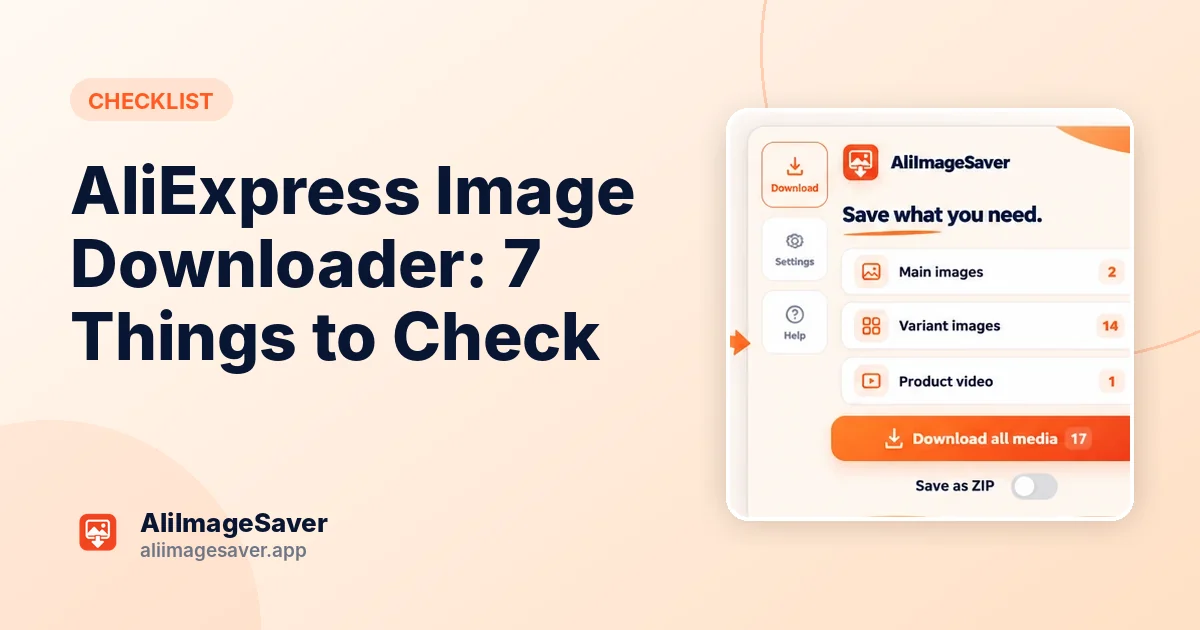
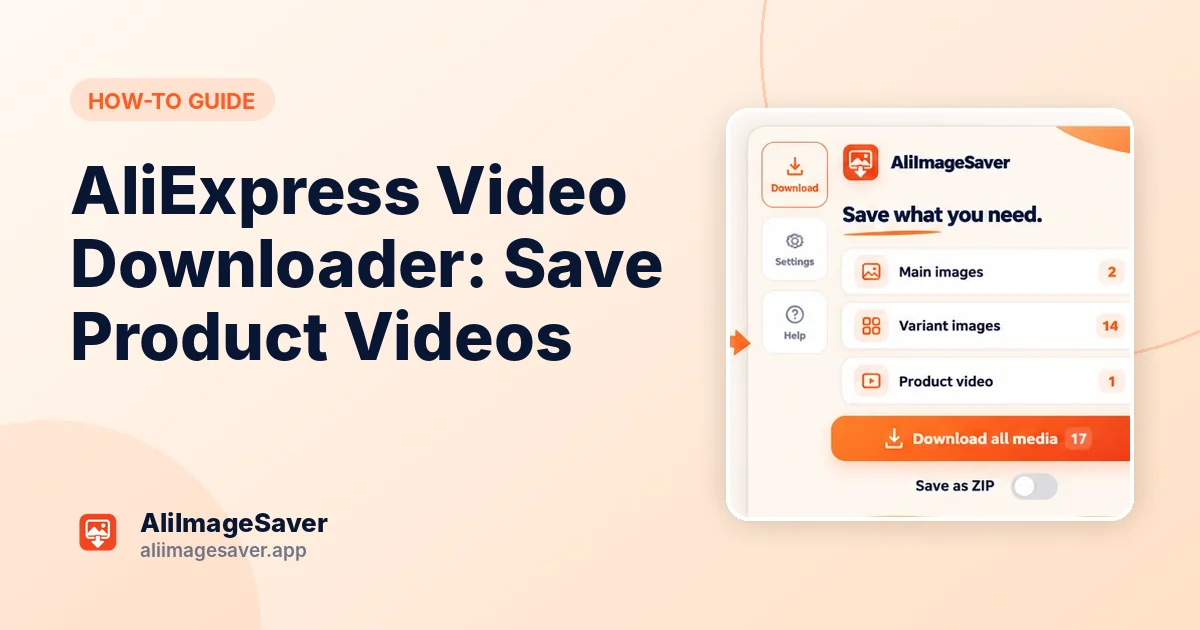
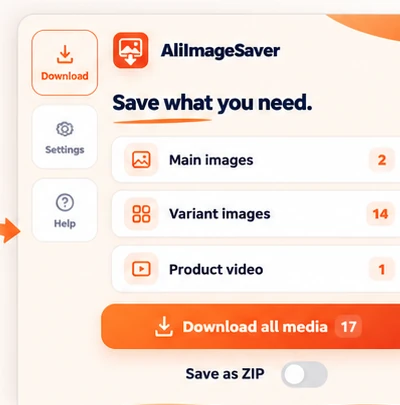
If you save videos regularly, an extension is much faster. AliImageSaver checks the product page for a downloadable video file and lists it next to the images.
- Install AliImageSaver from the Chrome Web Store. It's free.
- Open the AliExpress product page and wait for it to load.
- Click the AliImageSaver icon. If a downloadable video is available, you'll see Product video in the list.
- Download just the video, or choose Download all media to save it together with the product photos, as a ZIP if you like.
How to use product videos well
- Get permission first. Like photos, product videos belong to the seller or whoever made them. Ask your supplier before using them in your store or ads. Planning to run them as ads? See how to turn AliExpress product videos into TikTok and Facebook ads.
- Trim to the best part. The first two or three seconds decide whether people keep watching, so cut straight to the product in action.
- Add captions or on-screen text. Many people watch social video with the sound off, so short text helps the message land.
- Add it to your product page. Shopify and most store builders let you show video next to your product images.
- Keep the original. Save the untouched file in the product's folder so you can re-edit it later for other formats.
Want the photos too? See how to download all images from an AliExpress listing.
Frequently asked questions
Can I download AliExpress videos online without installing anything?
Yes. Method 1 in this guide uses only Chrome's built-in developer tools, so nothing needs to be installed. It takes a few minutes per video; an extension is faster if you save videos often.
Is there an AliExpress video downloader for Android or iPhone?
Not as a browser extension: Chrome on Android and iPhone doesn't support extensions. The easiest way is to open the product on a computer and download the video there.
Do all AliExpress products have a video?
No. Many listings only have photos, and some videos are streamed in a way that doesn't provide a single downloadable file.
What format are AliExpress product videos?
They're usually MP4 files, which play on almost any device and can be uploaded to Shopify, social platforms and video editors.
Can I download the video and the photos together?
Yes. In AliImageSaver, choose Download all media to save the video along with the main, variant and description images.
Can I use AliExpress videos in my ads?
Only with permission from the rights holder. Downloading a file doesn't give you a license to use it. Ask your supplier and keep their answer.