Using AliExpress Product Images for Dropshipping: Permission, Editing and SEO
Also available in: Português · Español · Français
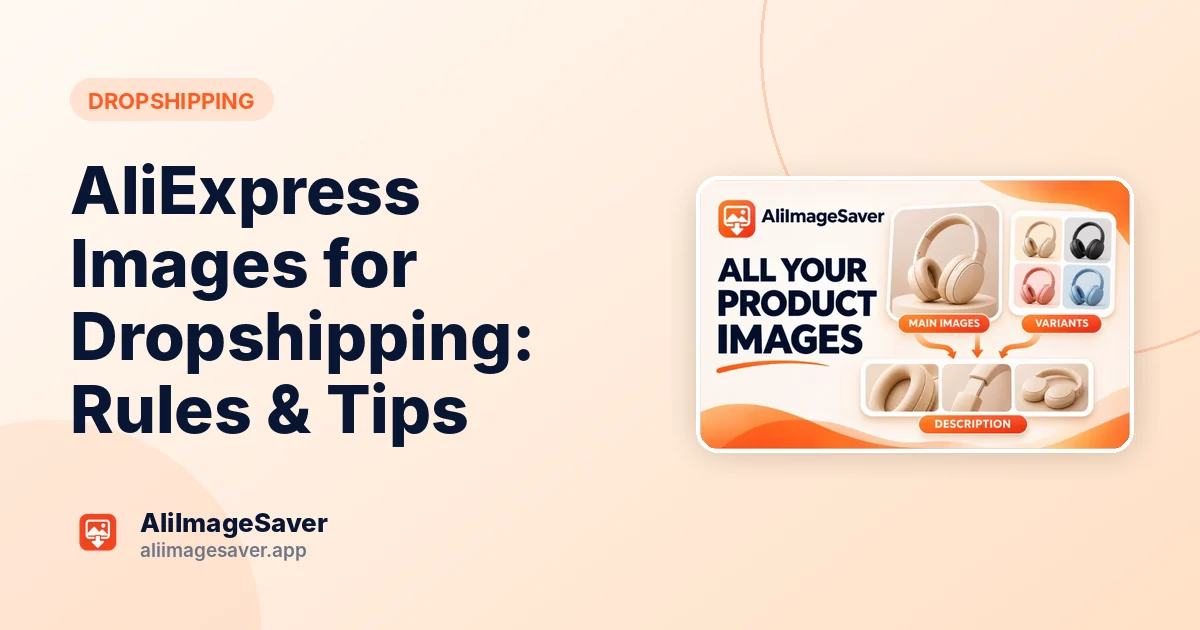
Supplier photos are the fastest way to get a new product live. They're also where many new store owners run into trouble, from copyright complaints to listings that look identical to a hundred competitors. Here's how to use AliExpress images for dropshipping the right way.
This article is general information, not legal advice. If you're unsure about a specific case, talk to a qualified lawyer.
Who owns AliExpress product photos?
Product images on AliExpress belong to whoever created them, usually the seller, the manufacturer or a photographer they hired. Being able to see or download an image doesn't give you a license to publish it. To use supplier photos in your store, ads or social posts, you need permission from the rights holder.
How to get permission from your supplier
- Message the seller through AliExpress before you start selling. Explain that you'd like to resell the product and ask whether you may use their product photos and videos in your online store and ads.
- Keep the answer. Save the message thread or take a screenshot of the reply. If you ever get a complaint, you'll have proof.
- Ask for originals. Many suppliers will send higher-resolution files, or photos without text and watermarks, which are better than anything on the listing.
Be careful with images that show other brands' logos or that were clearly copied from another store. Permission from a seller who doesn't own the photo isn't worth much.
Download the full set of images
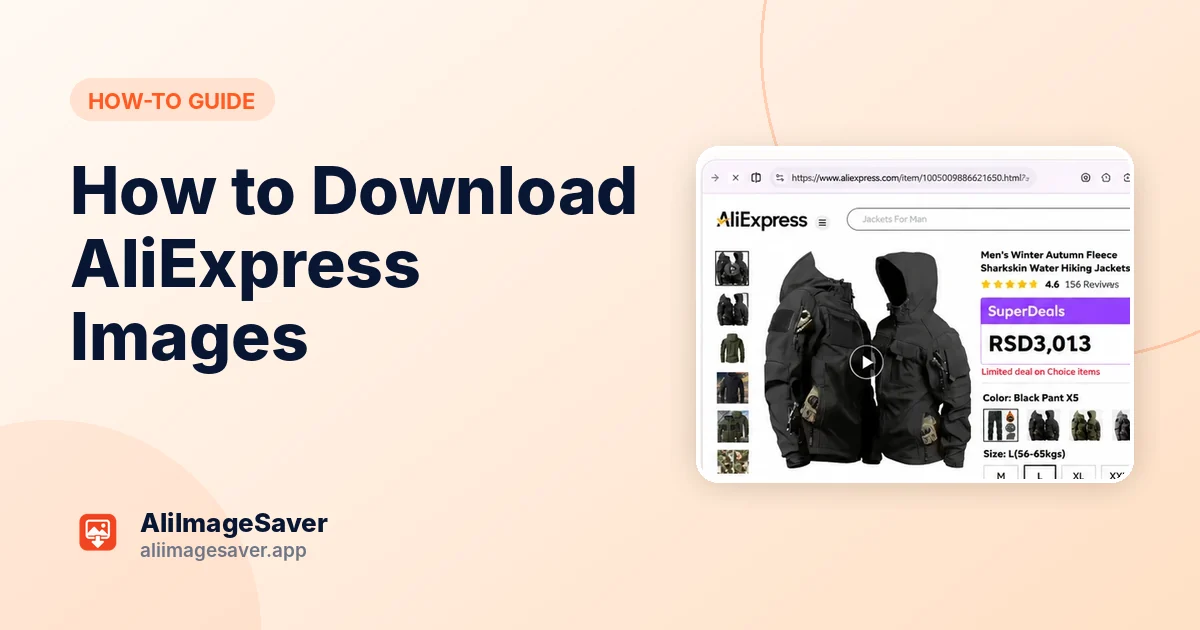
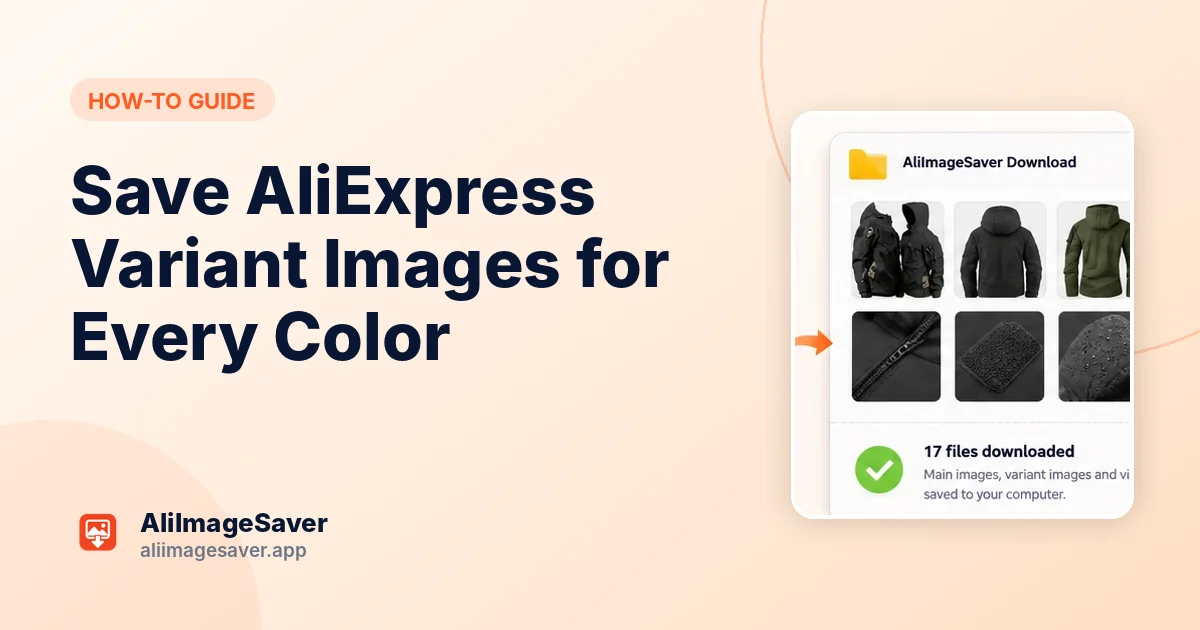
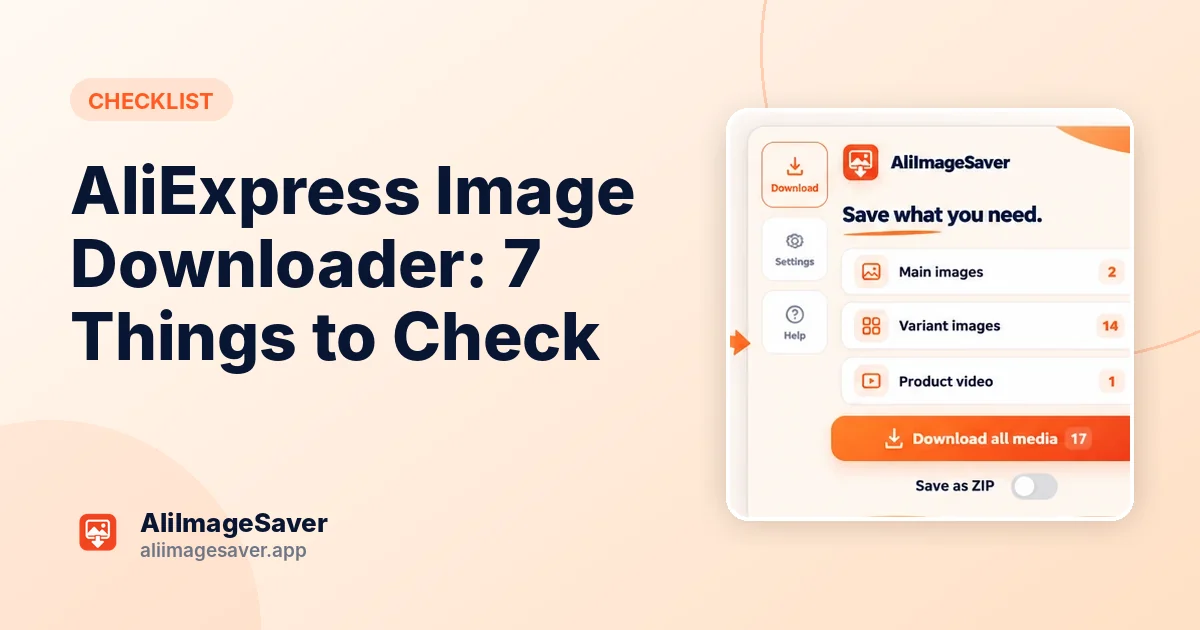
Once you have permission, collect everything in one go so you can choose the best shots. With AliImageSaver you can save the main gallery, the variant images and the description photos (plus the product video when one is available) as a single ZIP. Our step-by-step guide covers how to download AliExpress images.

Edit supplier images so your store stands out
If you list the exact same photos as every other store, shoppers have no reason to buy from you. A few edits go a long way:
- Crop to a consistent format. Square images look tidy in product grids, and Shopify recommends 2048 × 2048 px for square product photos.
- Use a clean, consistent background for your main images, so your catalog looks like one brand.
- Don't strip watermarks or logos from images you don't have rights to. Ask the supplier for clean versions instead.
- Add your own visuals, such as size guides in your customers' units, feature callouts and comparison graphics.
- Order a sample and shoot your own photos or short videos. Original photos build trust and give you content no competitor has.
Optimize product images for SEO and speed
- Descriptive file names. Use
waterproof-hiking-jacket-black-front.jpginstead of a random string of letters and numbers. - Alt text. Describe what's in the photo in plain words, for example "black waterproof hiking jacket with hood, front view". It helps accessibility and image search.
- Compress before uploading. Heavy files slow your store down, especially on mobile. Export optimized JPG or WebP files and keep them as light as you can without visible quality loss.
- Skip duplicates. One good image per angle or variant beats five near-identical ones.
A simple workflow
- Find a product and confirm the supplier allows you to use their photos and videos.
- Download all media from the listing with AliImageSaver. For many products, use our bulk download workflow so every product gets its own ZIP.
- Pick the best images: 4 to 6 gallery shots, one per variant and a few details.
- Edit, rename, compress and upload them to your store.
- Replace supplier photos with your own as soon as you can.
Frequently asked questions
Is it legal to download images from AliExpress?
Saving images for your own reference is different from publishing them. Using product photos commercially, in a store, an ad or on social media, requires permission from the rights holder. This isn't legal advice, and rules vary by country.
Is crediting AliExpress or the seller enough?
No. A credit line doesn't replace permission. Ask the seller and keep their written answer.
Can I use AliExpress images on Amazon or eBay?
Marketplaces have their own image rules and act on copyright complaints. Check the marketplace's image requirements and make sure you have permission for every photo you upload.