AliExpress WebP to JPG: How to Save Product Images as JPG
Also available in: Português · Español · Français
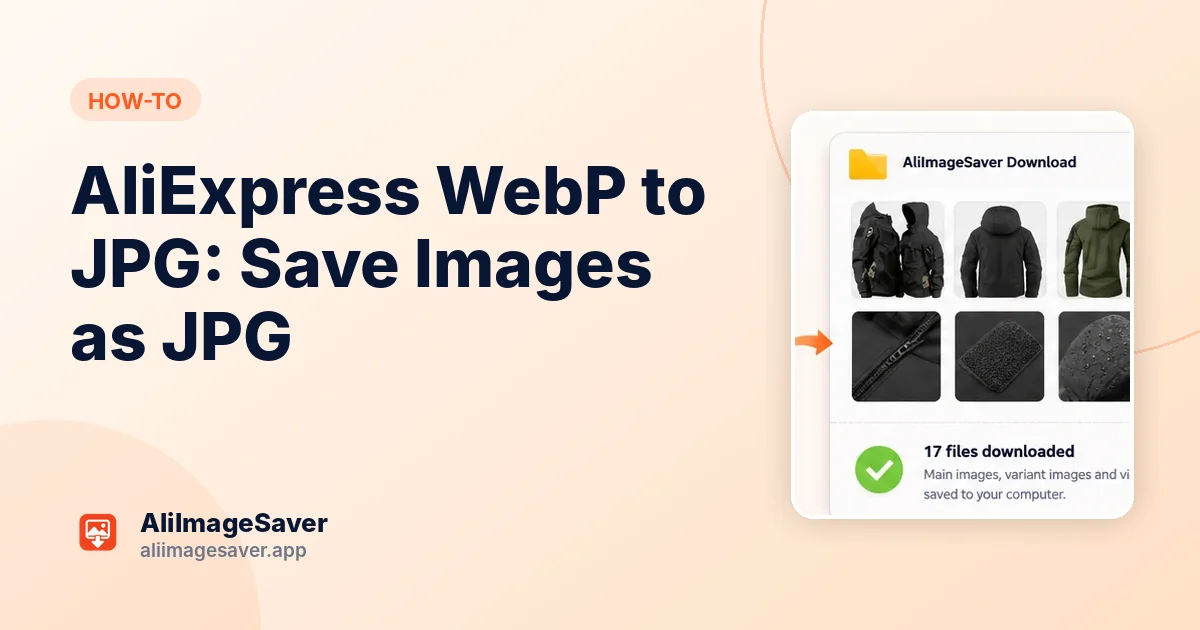
You save a photo from AliExpress and get a .webp file, or a .jpg that your photo editor, marketplace or print service refuses to open. You're not doing anything wrong: AliExpress delivers most images in modern formats like WebP and AVIF because they load faster.
This guide explains what's going on and shows free ways to turn AliExpress WebP images into JPG, one at a time or in bulk, on Windows and Mac.
Why AliExpress images download as WebP (or AVIF)
AliExpress serves its photos from an image server that picks a format your browser can show quickly. WebP and AVIF files are much smaller than JPGs at similar quality, so pages load faster. That has two side effects:
- Odd addresses. Image links often carry extra endings such as
_640x640q75.jpg_.webpor.jpg_.avif. They tell the server which size, quality and format to send. - A .jpg that isn't a JPG. The same address can return a different format depending on the browser asking for it. That's why you sometimes end up with a file named
.jpgthat is really WebP inside, and some programs refuse to open it.
How to tell if your AliExpress image is really WebP
The file name isn't proof. The usual sign is a file that opens fine in Chrome, while your photo editor, marketplace or print service calls it damaged or unsupported. That almost always means WebP or AVIF inside.
Renaming photo.webp to photo.jpg changes the name, not the format. Some apps will still open it, but marketplaces and older tools usually won't. To get a real JPG, open the file in an app that understands WebP and save a new copy as JPEG, as shown below. That works whether the file is called .webp or .jpg.
Step 1: Get the full-size image first
Converting a blurry thumbnail just gives you a blurry JPG, so start with the biggest version you can get (more on that in how to get full-size AliExpress images):
- On the product page, right-click the photo and choose Open image in new tab.
- Look at the address. If it ends with something like
.jpg_640x640q75.jpg_.webp, delete everything after the first.jpgand press Enter. - The page now usually shows the original, full-size image. Right-click it and choose Save image as….
The saved file may still be WebP, because the server can send WebP even to a clean .jpg address. That's fine: you now have the full-size image, ready to convert. If you need many photos from one product, our guide on downloading all AliExpress images at once is faster than doing this for each picture.
Step 2: Convert AliExpress WebP to JPG for free
On Windows: Paint
- Right-click the WebP file and choose Open with → Paint.
- Choose File → Save as → JPEG picture.
- Pick a folder and a name, then click Save.
Paint on Windows 11 opens WebP files out of the box. On Windows 10, if Paint can't open the file, install Microsoft's free WebP Image Extensions from the Microsoft Store. For AVIF files, the free AV1 Video Extension from the same store may be needed.
On Mac: Preview
- Open the file in Preview.
- Choose File → Export.
- Set Format to JPEG, move the quality slider close to Best and click Save.
In the browser: Squoosh
Squoosh is a free image converter from the Chrome team that works in your browser. Drop in a WebP file, choose MozJPEG as the output and download the result. Be careful with other online converters: many upload your files to their servers, so read their privacy terms first.
How to convert many AliExpress images at once
- Mac: select the images in Finder, right-click and choose Quick Actions → Convert Image. Pick JPEG and Actual Size. The originals stay untouched. This is built into macOS Monterey and later.
- Windows: Paint converts one file at a time. For a whole folder, a free image viewer with batch conversion, such as IrfanView (free for private use), saves a lot of clicks.
- Any system: if you're comfortable with the command line, the free ImageMagick tool converts a folder in one go:
magick mogrify -format jpg *.webp. It writes new JPG files next to the originals.
Do you even need JPG?
Not always. Shopify, for example, accepts WebP uploads for product images and automatically serves each shopper the best format their browser supports. If your store platform takes WebP, you can upload the files as they are. Here's how to add AliExpress images to Shopify step by step.
JPG still matters when a marketplace, ad tool, print shop or older photo editor only accepts JPG or PNG, or when you send images to someone who can't open WebP. If an image has a transparent background, convert it to PNG instead: JPG doesn't support transparency.
Tips for better JPG results
- Use high quality. A JPEG quality of around 85–90 keeps product photos sharp without huge files.
- Convert once. Every round of JPG compression loses a little detail, so keep the original and convert from it each time.
- Rename as you go. Clear names like
blue-headphones-side.jpgmake your library easier to search and help image SEO. - Check permission. Converting a photo doesn't change who owns it. See using AliExpress images for dropshipping before you publish supplier photos.
Saving images with AliImageSaver? It saves each file the way AliExpress delivers it and doesn't convert formats. If a downloaded image won't open in your editor, check its real format and convert it with one of the methods above.
Frequently asked questions
Why do AliExpress images save as WebP?
AliExpress serves images in WebP or AVIF to browsers that support them because the files are smaller and pages load faster. Image addresses often end in _.webp or _.avif for the same reason.
Can I just rename a .webp file to .jpg?
Renaming changes the name, not the format. Some apps will still open the file because they look at its content, but marketplaces and older tools usually reject it. Convert it instead.
Does converting WebP to JPG reduce quality?
A little, because JPG is a lossy format. Use a high quality setting (around 85–90) and convert from the original once. Converting can't add detail that the original image didn't have.
Can I upload WebP images to Shopify?
Yes. Shopify accepts WebP for product images and automatically serves shoppers the best format their browser supports.
How do I convert many AliExpress images to JPG at once?
On a Mac, select the files in Finder and use Quick Actions → Convert Image. On Windows, use a free batch converter such as IrfanView. ImageMagick works on any system from the command line.
Does AliImageSaver convert WebP to JPG?
No. AliImageSaver saves each file as AliExpress delivers it. If you need JPGs, convert the files after downloading with one of the free methods in this guide.